
A new post is made about how I applied the Blowfish theme to this website. The previous instance of this site did use the Congo Theme but has been switched to Blowfish. The new post can be found here
However some of the content here is still relevant.
Introduction #
In this blog post I will explain how I created this website using the Hugo static site generator and the use of the Congo Theme.
The main purpose of this site is to house a place where I can show my projects, insights, skills and other random things that I feel like posting.
What is a static site #
A static site is a website that is delivered to the user the same way that it is stored on the webserver. The content of the website doesn’t change unless the website owner manually updates the files on the webserver.
Benefits of a static site: #
- Content is fixed: The content of the website remains the same unless it’s manually updated
- Quick Load Times: Since the content of the website is static rather than dynamic, it should load quicker as the server doesn’t need to generate content to send to the user.
- Security: Static sites usually contain fewer points of vulnerability. Dynamic sites contain databases and other server-side scripts which can be used as a target for attacks. Static sites are simple to maintain.
Static Site Generator #
A static site generator is used to create static sites. This is a piece of software that reads the input files usually done in Markdown and then generates the static websites.
Some popular static site generators include Jekyll, Hugo, 11ty, Gatsby and many more.
Why I chose Hugo #

I have chosen to use Hugo as my static site generator as there are many free themes available. It is also fast at generating the static site which is handy for the hardware I’m generating this site on (Raspberry Pi 4). It’s also very simple to use, simply typing Hugo will build the site quickly. There are also some other commands used to make the static site. It also has an active community online where you can find documentation and other resources for troubleshooting or learning.
Installing Hugo #
Simply following the Quick Start guide on the Hugo site works well. In my case when installing it on my Raspberry Pi 4 running Raspberry Pi OS Lite (Debian 12). I had to download Hugo from GitHub as the apt package manager had the too old version of hugo (version 0.111.3-1). In my case I used Hugo version 0.145.0, as the Congo theme does not support versions from 0.146.0 due to breaking changes in template handling GitHub issue.
Installing Congo #
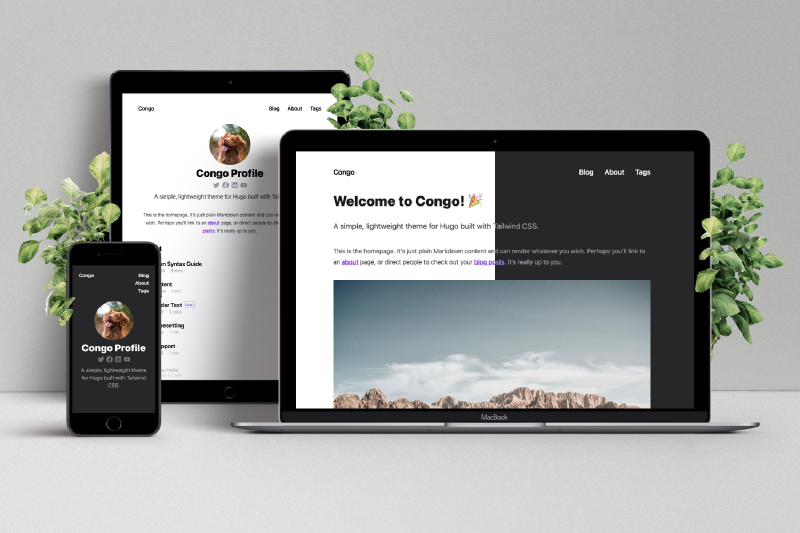
I followed the Congo Installation guide to install the Congo theme using the Hugo module install method. From there, I followed the Getting Started guide and configured the theme settings to my liking. I also made some customizations to the theme to better suit my site’s appearance and functionality.
Building and Deploying the website #
Once I have configured Hugo and Congo to my liking, the next steps were to get some content written for this website, build it and then deploy it to my webserver.
Creating Content #
Content in Hugo is done in Markdown format. They are located in the content directory. I created several important files for the index, about, and blog post pages. Organizing the content involved creating separate directories for different sections of the site, such as content/about and content/blog.
Building the site #
Simply running is enough to build the static files for deploying.
hugo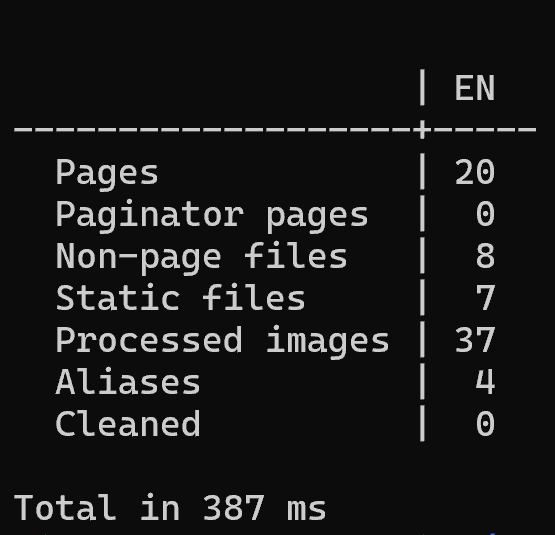
This command processes the content of the website and builds a complete static version in the public directory. It generated the HTML, CSS, JavaScript and other files needed for this website.
Preview before building #
Before building the site fully and deploying it to see mistakes in the static site, you can use Hugo’s built in server to preview the whole site to check for errors and also be able to view your edits in real time. This is done using this command:
hugo server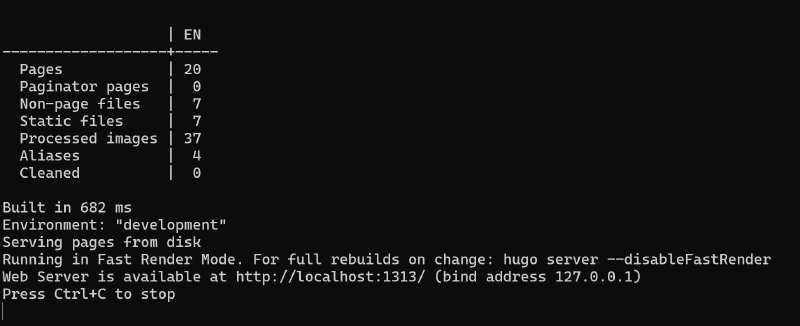
Deploying to the web Server #
I simply login to my webserver and copy over the generated files from hugo into the server. Once done copying, I then verify the contents on the actual site is working correctly and that all the changes made is visible without issues.
Note: It’s a good practice to back up existing files on the server before copying new files to prevent accidental loss of data.
Conclusion #
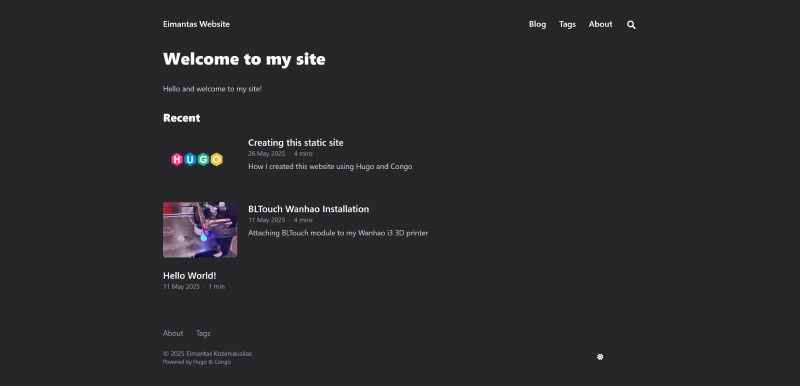
By following these steps, this is how I was able to build and deploy my static site using Hugo and the Congo theme. This process ensures that my website is up to date and accessible to users. My overall experience with Hugo and the Congo theme is mostly positive.