Intro #
Recently IKEA has been discounting some of their Zigbee hardware such as the Styrbar remote. So I went out and bought a few to implement into my Home Assistant setup.
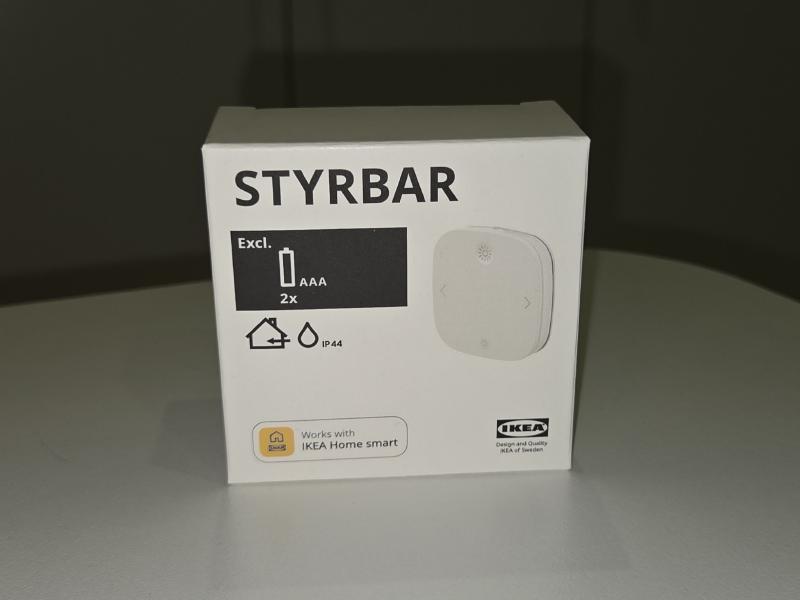
I have decided to use one of the Styrbar remotes for my living room to control the two lights in that room.
The Objective #
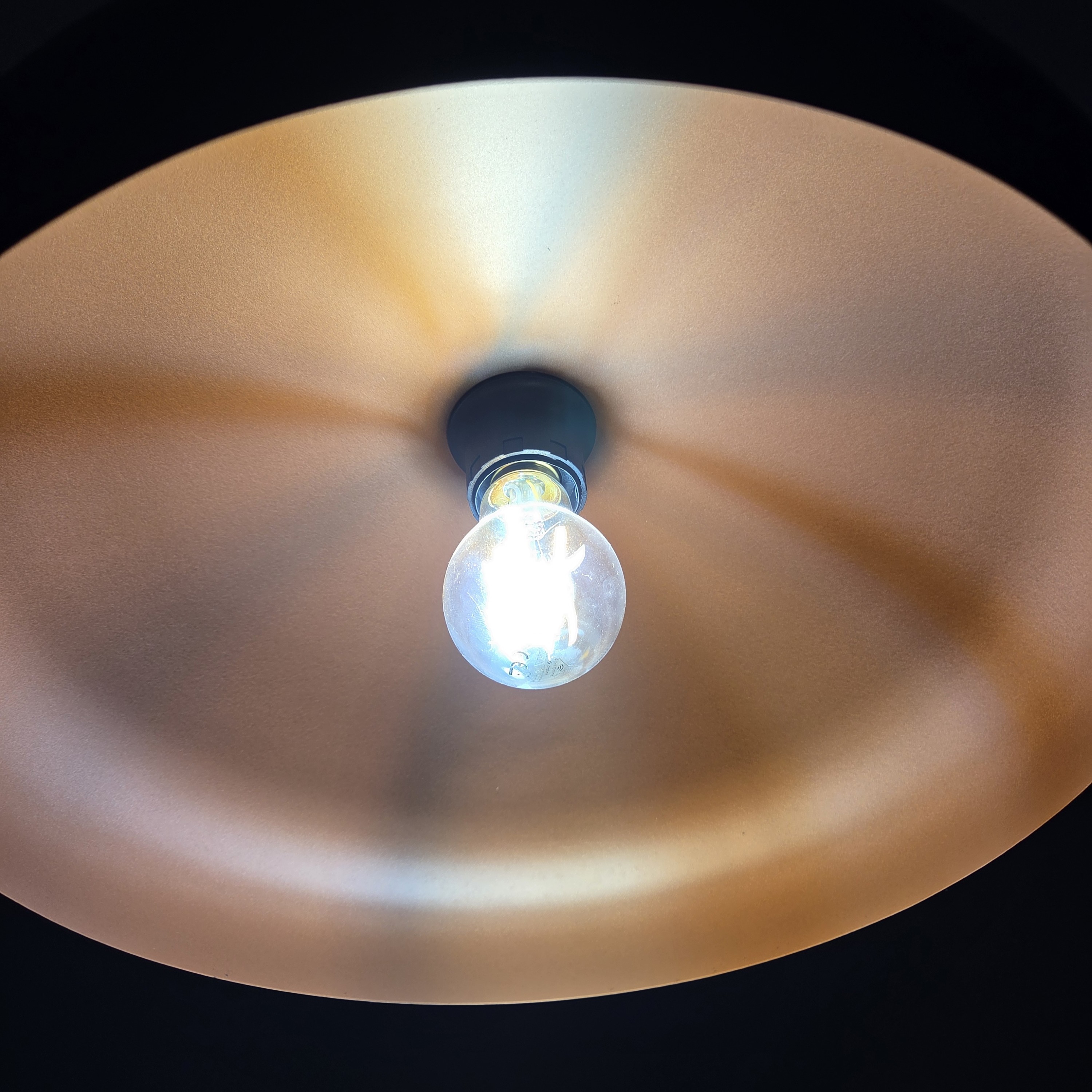
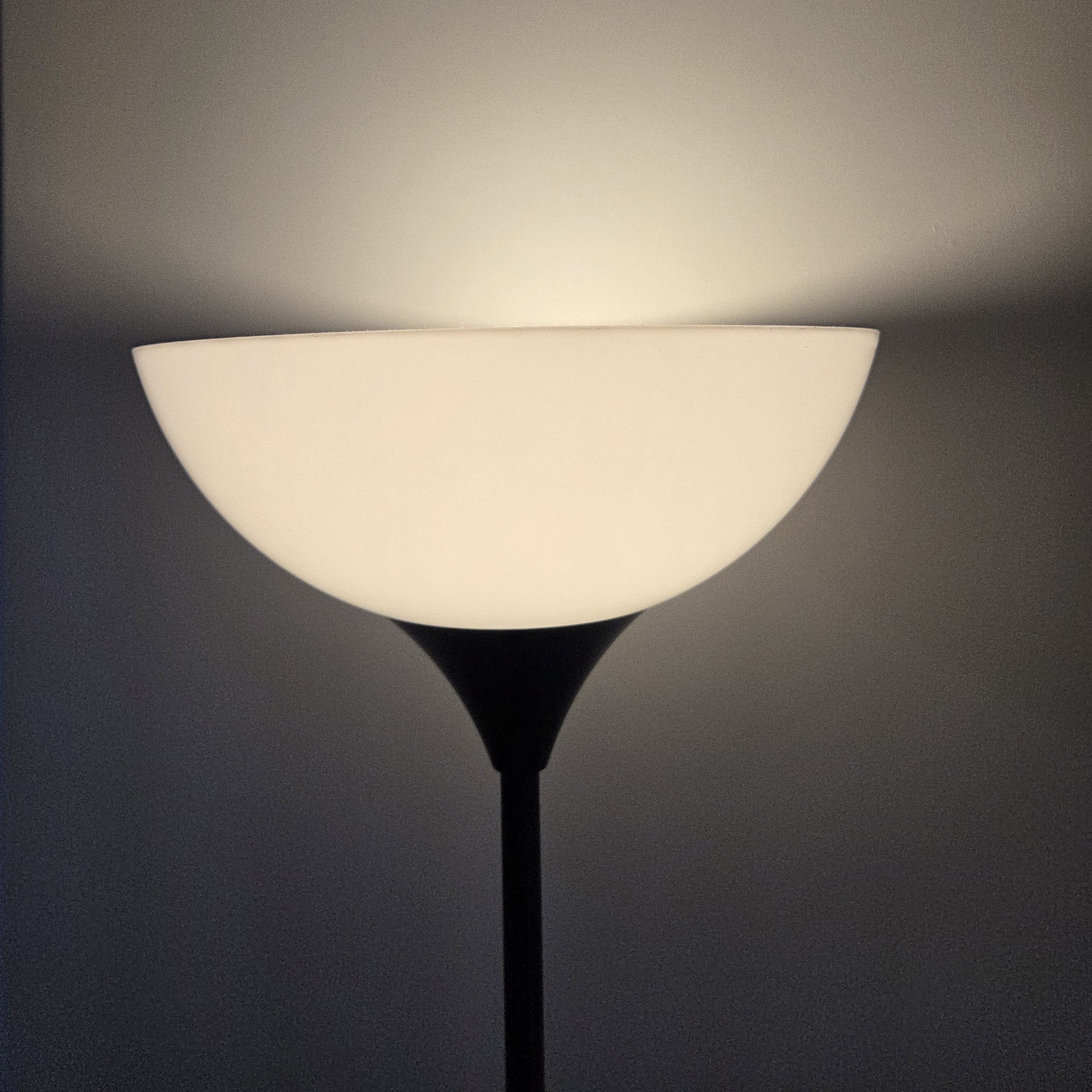
My objective with the Styrbar remote is to be able to control the lights in the room. It should be able to turn it on-off, change brightness for both light bulbs as the bare minimum. In future I will probably add some way to change the colour temperature of the lights.
What has been done #
Firstly I connected my newly acquired Styrbar remote to my Zigbee network. Then I familiarised myself with what kind of events the remote fires when a button is interacted. Such events are like press and hold event for each of the 4 buttons.
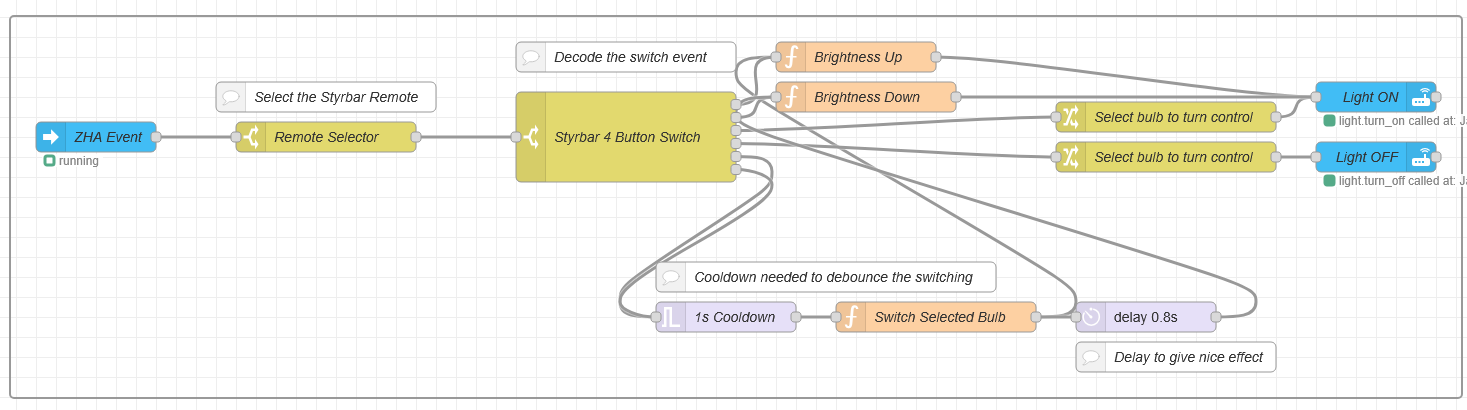
Next I went to Node-RED and configured a flow, where I read the ZHA Events, filter to my specific styrbar remote, then use a switch to further filter each of the events. From there I then have a long press for top and bottm buttons to turn on or off the light. A single press changes the brightness by 10% in each way.
However that only controls one light, and yet I have two lights in the room. So I am using the left and right button to switch between each light. On initial start, it will use the main light as the selected light. When the light is switched, it will flash briefly letting you know that you are using the selected light. The use of a flow variable in Node-RED acts as the remote’s “memory”, which keeps track of which bulb is currently active even when no buttons are being pressed
A debounce logic was implemented for the light switching functionality as when I had other users use the remote, the pressed the left/right button rapidly which caused the lights to flash and get stuck. The debounce logic is to prevent this event from happening by ignoring rapid presses of the left/right buttons.
Remote Command List #
| Button | Action | Result |
|---|---|---|
| Top | Press | Increase brightness by 10% |
| Bottom | Press | Decrease brightness by 10% |
| Top | Hold | Turn on the Light |
| Bottom | Hold | Turn off the Light |
| Left/Right | Press | Switch Selected Light Bulb 1 or 2 |
Mounting the Styrbar #
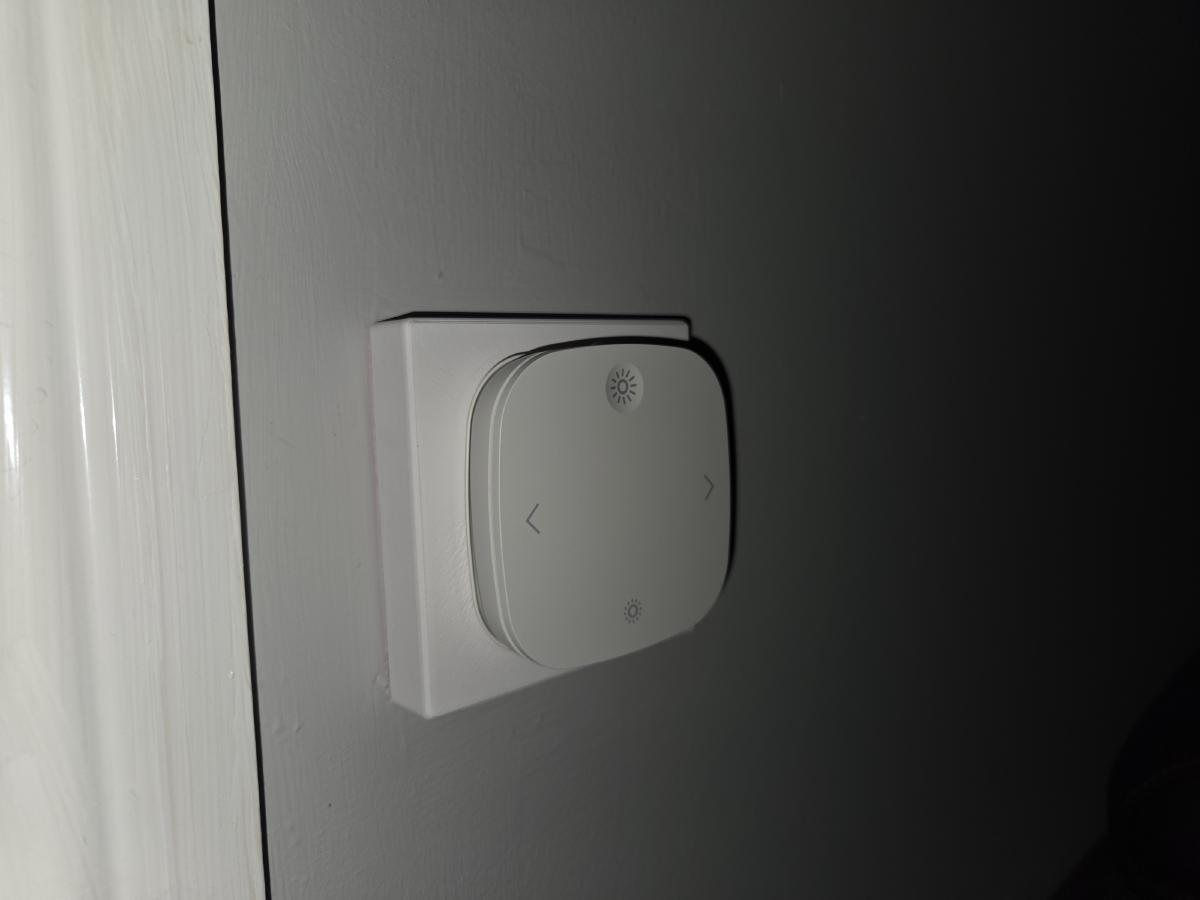
I have designed a cover for my existing light switches to attach the Styrbar remote to. I initially 3D printed then in pink PLA as that filament was in good condition to print smootly. Once I verified that the fit is good. I then painted it white to match the existing light switch cover (you dont want something thats hot pink on the wall). I used some white spray paint that I had lying around in the house, 2 coats did the job for me. This was 3D printed as it was used to cover the dumb light switch to prevent people from cutting the power to the Zigbee light bulbs.
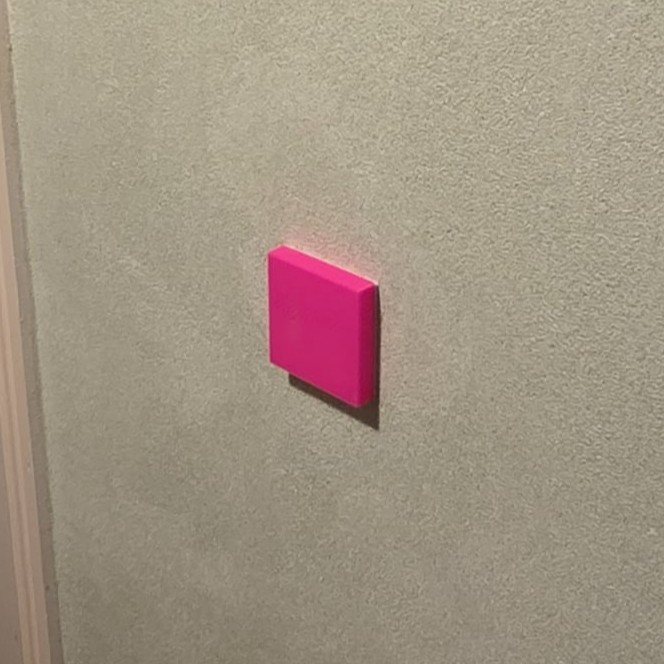
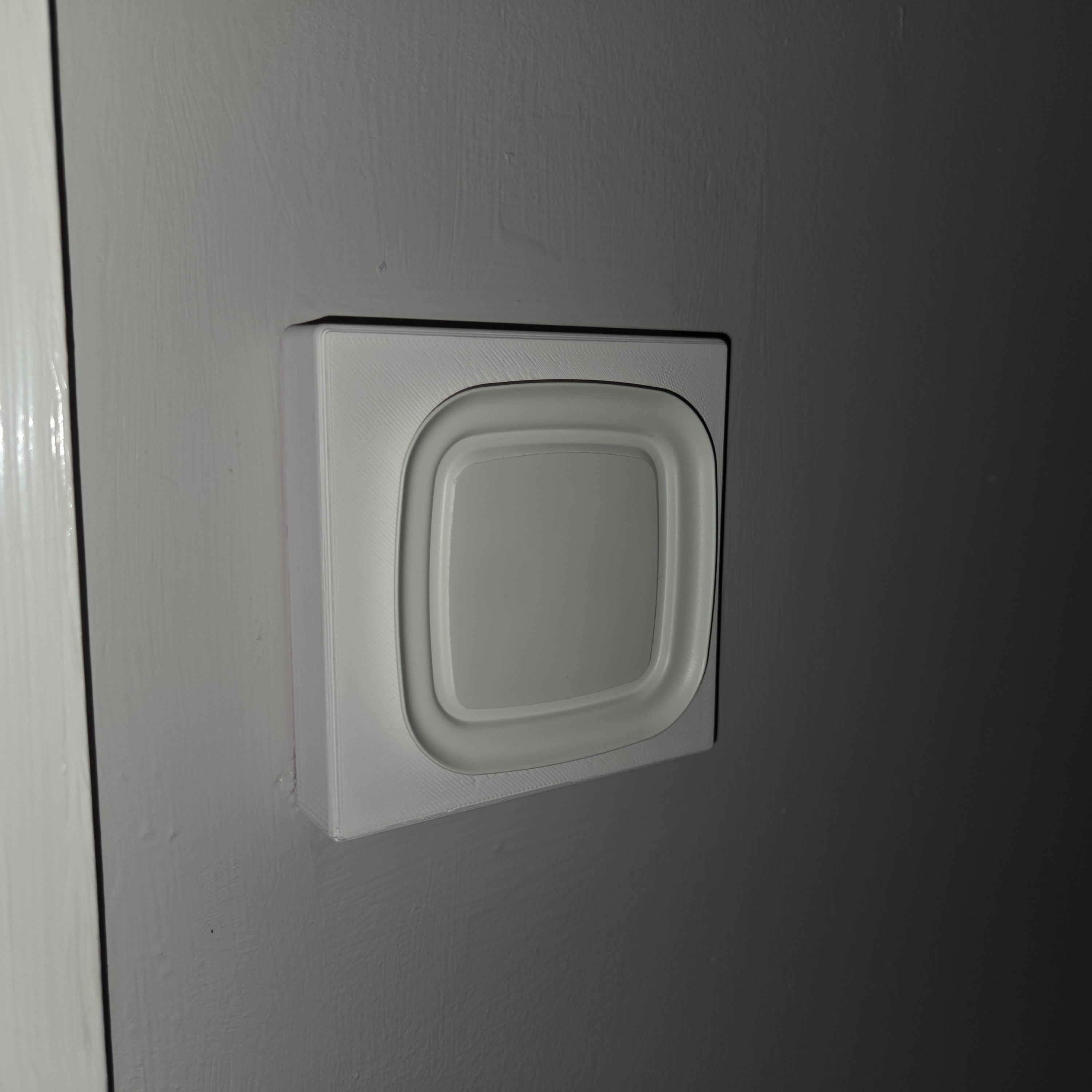
I have then screwed in the Styrbar mount so I can attach the remote to the light switch.
My 3D model is available here on Printables:
Final results #
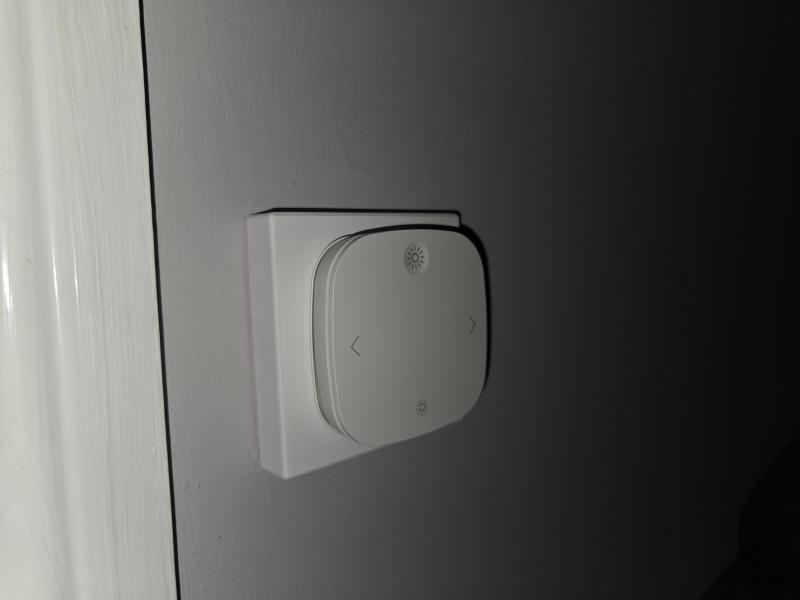
Node-RED flow #
Here is the exported flow of my Node-RED setup that you can use it in your setup.
Make sure to fill in the Zigbee address for your own Styrbar remote and the lightbulbs in “Switch Selected Bulb”.
[
   {
      "id":"bd02a101c2c89809",
      "type":"group",
      "z":"styrbar_flow_1",
      "style":{
         "stroke":"#999999",
         "stroke-opacity":"1",
         "fill":"none",
         "fill-opacity":"1",
         "label":true,
         "label-position":"nw",
         "color":"#a4a4a4"
      },
      "nodes":[
         "811e64912a3c608b",
         "43dac3aa3fb11c7a",
         "a3e8455ec051f785",
         "56b26b57511bd76a",
         "12f64a5480c32af6",
         "60aa716739ff65ea",
         "8ae7135f4ac9aeb6",
         "c1c034fdaac7c4d8",
         "82dab02de3ac17b1",
         "065a9155dba1a312",
         "e1c061c88e77c915",
         "ec2cc7a592a26ec6",
         "279775706ff12e3b",
         "4cd40a06c8f99115",
         "db95270f5b368798",
         "e83c5de637a37488"
      ],
      "x":14,
      "y":499,
      "w":1452,
      "h":382
   },
   {
      "id":"811e64912a3c608b",
      "type":"server-events",
      "z":"styrbar_flow_1",
      "g":"bd02a101c2c89809",
      "name":"ZHA Event",
      "server":"bae21d5c.aee8e",
      "version":3,
      "event_type":"zha_event",
      "exposeToHomeAssistant":false,
      "haConfig":[
         {
            "property":"name",
            "value":""
         },
         {
            "property":"icon",
            "value":""
         }
      ],
      "waitForRunning":false,
      "outputProperties":[
         {
            "property":"payload",
            "propertyType":"msg",
            "value":"",
            "valueType":"eventData"
         },
         {
            "property":"topic",
            "propertyType":"msg",
            "value":"$outputData(\"eventData\").event_type",
            "valueType":"str"
         }
      ],
      "x":100,
      "y":620,
      "wires":[
         [
            "8ae7135f4ac9aeb6"
         ]
      ]
   },
   {
      "id":"43dac3aa3fb11c7a",
      "type":"function",
      "z":"styrbar_flow_1",
      "g":"bd02a101c2c89809",
      "name":"Switch Selected Bulb",
      "func":"let bulb1 = 'light.ligh1'; \nlet bulb2 = 'light.ligh2'; \n\nlet active = flow.get('selected_bulb') || bulb1;\n\n// Toggle logic\nif (active === bulb1) {\n    active = bulb2;\n} else {\n    active = bulb1;\n}\n\nflow.set('selected_bulb', active);\n\n// Optional: Return msg to trigger a 'flash' so you know which bulb is selected.\nmsg.payload = { data: { entity_id: active } };\nreturn msg;",
      "outputs":1,
      "timeout":"",
      "noerr":0,
      "initialize":"",
      "finalize":"",
      "libs":[

      ],
      "x":940,
      "y":800,
      "wires":[
         [
            "82dab02de3ac17b1",
            "e1c061c88e77c915"
         ]
      ]
   },
   {
      "id":"a3e8455ec051f785",
      "type":"change",
      "z":"styrbar_flow_1",
      "g":"bd02a101c2c89809",
      "name":"Select bulb to turn control",
      "rules":[
         {
            "t":"set",
            "p":"payload",
            "pt":"msg",
            "to":"{\"data\":{\"entity_id\":\"\"}}",
            "tot":"json"
         },
         {
            "t":"set",
            "p":"payload.data.entity_id",
            "pt":"msg",
            "to":"selected_bulb",
            "tot":"flow"
         }
      ],
      "action":"",
      "property":"",
      "from":"",
      "to":"",
      "reg":false,
      "x":1170,
      "y":600,
      "wires":[
         [
            "12f64a5480c32af6"
         ]
      ]
   },
   {
      "id":"56b26b57511bd76a",
      "type":"change",
      "z":"styrbar_flow_1",
      "g":"bd02a101c2c89809",
      "name":"Select bulb to turn control",
      "rules":[
         {
            "t":"set",
            "p":"payload",
            "pt":"msg",
            "to":"{\"data\":{\"entity_id\":\"\"}}",
            "tot":"json"
         },
         {
            "t":"set",
            "p":"payload.data.entity_id",
            "pt":"msg",
            "to":"selected_bulb",
            "tot":"flow"
         }
      ],
      "action":"",
      "property":"",
      "from":"",
      "to":"",
      "reg":false,
      "x":1170,
      "y":640,
      "wires":[
         [
            "60aa716739ff65ea"
         ]
      ]
   },
   {
      "id":"12f64a5480c32af6",
      "type":"api-call-service",
      "z":"styrbar_flow_1",
      "g":"bd02a101c2c89809",
      "name":"Light ON",
      "server":"bae21d5c.aee8e",
      "version":5,
      "debugenabled":false,
      "domain":"light",
      "service":"turn_on",
      "areaId":[

      ],
      "deviceId":[

      ],
      "entityId":[

      ],
      "data":"",
      "dataType":"jsonata",
      "mergeContext":"",
      "mustacheAltTags":false,
      "outputProperties":[

      ],
      "queue":"none",
      "x":1380,
      "y":580,
      "wires":[
         [

         ]
      ]
   },
   {
      "id":"60aa716739ff65ea",
      "type":"api-call-service",
      "z":"styrbar_flow_1",
      "g":"bd02a101c2c89809",
      "name":"Light OFF",
      "server":"bae21d5c.aee8e",
      "version":5,
      "debugenabled":false,
      "domain":"light",
      "service":"turn_off",
      "areaId":[

      ],
      "deviceId":[

      ],
      "entityId":[

      ],
      "data":"{}",
      "dataType":"json",
      "mergeContext":"",
      "mustacheAltTags":false,
      "outputProperties":[

      ],
      "queue":"none",
      "x":1380,
      "y":640,
      "wires":[
         [

         ]
      ]
   },
   {
      "id":"8ae7135f4ac9aeb6",
      "type":"switch",
      "z":"styrbar_flow_1",
      "g":"bd02a101c2c89809",
      "name":"Remote Selector",
      "property":"payload.event.device_ieee",
      "propertyType":"msg",
      "rules":[
         {
            "t":"eq",
            "v":"",
            "vt":"str"
         }
      ],
      "checkall":"true",
      "repair":false,
      "outputs":1,
      "x":330,
      "y":620,
      "wires":[
         [
            "c1c034fdaac7c4d8"
         ]
      ],
      "outputLabels":[
         "Ben's Remote"
      ]
   },
   {
      "id":"c1c034fdaac7c4d8",
      "type":"switch",
      "z":"styrbar_flow_1",
      "g":"bd02a101c2c89809",
      "name":"Styrbar 4 Button Switch",
      "property":"payload.event.command",
      "propertyType":"msg",
      "rules":[
         {
            "t":"jsonata_exp",
            "v":"msg.payload.event.command = \"on\"",
            "vt":"jsonata"
         },
         {
            "t":"jsonata_exp",
            "v":"msg.payload.event.command = \"off\"",
            "vt":"jsonata"
         },
         {
            "t":"jsonata_exp",
            "v":"msg.payload.event.command = \"move_with_on_off\" and msg.payload.event.params.move_mode = 0",
            "vt":"jsonata"
         },
         {
            "t":"jsonata_exp",
            "v":"msg.payload.event.command = \"move\" and msg.payload.event.params.move_mode = 1",
            "vt":"jsonata"
         },
         {
            "t":"jsonata_exp",
            "v":"msg.payload.event.command = \"press\" and msg.payload.event.params.param1 = 256",
            "vt":"jsonata"
         },
         {
            "t":"jsonata_exp",
            "v":"msg.payload.event.command = \"press\" and msg.payload.event.params.param1 = 257",
            "vt":"jsonata"
         }
      ],
      "checkall":"true",
      "repair":false,
      "outputs":6,
      "x":630,
      "y":620,
      "wires":[
         [
            "82dab02de3ac17b1"
         ],
         [
            "065a9155dba1a312"
         ],
         [
            "a3e8455ec051f785"
         ],
         [
            "56b26b57511bd76a"
         ],
         [
            "ec2cc7a592a26ec6"
         ],
         [
            "ec2cc7a592a26ec6"
         ]
      ],
      "outputLabels":[
         "Up (On)",
         "Down (Off)",
         "Hold Up (Hold On)",
         "Hold Down (Hold Off)",
         "Right",
         "Left"
      ]
   },
   {
      "id":"82dab02de3ac17b1",
      "type":"function",
      "z":"styrbar_flow_1",
      "g":"bd02a101c2c89809",
      "name":"Brightness Up",
      "func":"const entity = flow.get('selected_bulb');\n\n// Change brightness by 10\nlet step = 10;\n\nmsg.payload = {\n    data: {\n        entity_id: entity,\n        brightness_step_pct: step\n    }\n};\nreturn msg;",
      "outputs":1,
      "timeout":0,
      "noerr":0,
      "initialize":"",
      "finalize":"",
      "libs":[

      ],
      "x":860,
      "y":540,
      "wires":[
         [
            "12f64a5480c32af6"
         ]
      ]
   },
   {
      "id":"065a9155dba1a312",
      "type":"function",
      "z":"styrbar_flow_1",
      "g":"bd02a101c2c89809",
      "name":"Brightness Down",
      "func":"const entity = flow.get('selected_bulb');\n\n// Change brightness by 10\nlet step = -10;\n\nmsg.payload = {\n    data: {\n        entity_id: entity,\n        brightness_step_pct: step\n    }\n};\nreturn msg;",
      "outputs":1,
      "timeout":0,
      "noerr":0,
      "initialize":"",
      "finalize":"",
      "libs":[

      ],
      "x":870,
      "y":580,
      "wires":[
         [
            "12f64a5480c32af6"
         ]
      ]
   },
   {
      "id":"e1c061c88e77c915",
      "type":"delay",
      "z":"styrbar_flow_1",
      "g":"bd02a101c2c89809",
      "name":"",
      "pauseType":"delay",
      "timeout":"0.8",
      "timeoutUnits":"seconds",
      "rate":"1",
      "nbRateUnits":"1",
      "rateUnits":"second",
      "randomFirst":"1",
      "randomLast":"5",
      "randomUnits":"seconds",
      "drop":false,
      "allowrate":false,
      "outputs":1,
      "x":1150,
      "y":800,
      "wires":[
         [
            "065a9155dba1a312"
         ]
      ]
   },
   {
      "id":"ec2cc7a592a26ec6",
      "type":"trigger",
      "z":"styrbar_flow_1",
      "g":"bd02a101c2c89809",
      "name":"1s Cooldown",
      "op1":"payload",
      "op2":"0",
      "op1type":"pay",
      "op2type":"nul",
      "duration":"1",
      "extend":false,
      "overrideDelay":false,
      "units":"s",
      "reset":"",
      "bytopic":"all",
      "topic":"topic",
      "outputs":1,
      "x":730,
      "y":800,
      "wires":[
         [
            "43dac3aa3fb11c7a"
         ]
      ]
   },
   {
      "id":"279775706ff12e3b",
      "type":"comment",
      "z":"styrbar_flow_1",
      "g":"bd02a101c2c89809",
      "name":"Select the Styrbar Remote",
      "info":"",
      "x":330,
      "y":580,
      "wires":[

      ]
   },
   {
      "id":"4cd40a06c8f99115",
      "type":"comment",
      "z":"styrbar_flow_1",
      "g":"bd02a101c2c89809",
      "name":"Decode the switch event",
      "info":"",
      "x":630,
      "y":540,
      "wires":[

      ]
   },
   {
      "id":"db95270f5b368798",
      "type":"comment",
      "z":"styrbar_flow_1",
      "g":"bd02a101c2c89809",
      "name":"Cooldown needed to debounce the switching",
      "info":"",
      "x":830,
      "y":760,
      "wires":[

      ]
   },
   {
      "id":"e83c5de637a37488",
      "type":"comment",
      "z":"styrbar_flow_1",
      "g":"bd02a101c2c89809",
      "name":"Delay to give nice effect",
      "info":"",
      "x":1180,
      "y":840,
      "wires":[

      ]
   },
   {
      "id":"bae21d5c.aee8e",
      "type":"server",
      "name":"Home Assistant",
      "version":2,
      "addon":false,
      "rejectUnauthorizedCerts":true,
      "ha_boolean":"y|yes|true|on|home|open",
      "connectionDelay":true,
      "cacheJson":true,
      "heartbeat":true,
      "heartbeatInterval":"30"
   }
]